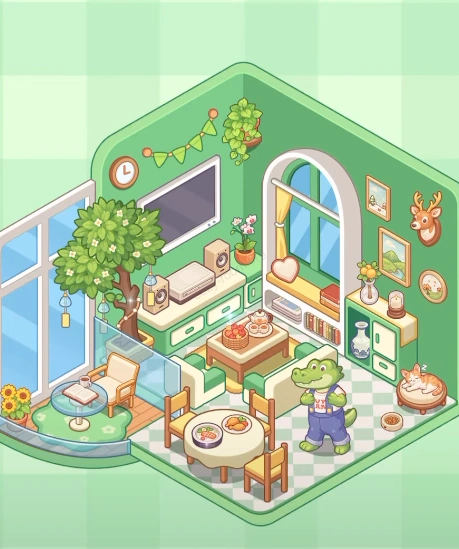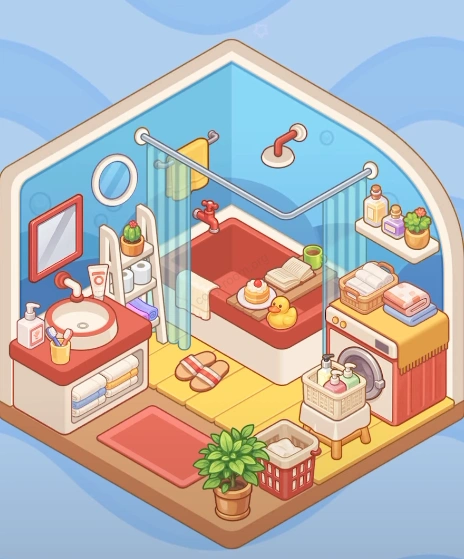
Cozy Room Level 16- Cozy Corner of the Game Streamer
In this level, you will set up a comfortable streaming space for a game-loving streamer.
Level 16 Video Guide
Welcome to the Cozy Corner of the Game Streamer! This room is designed for a player who loves gaming and streaming. You need to unpack various game-related decorations and furniture to create a professional yet cozy streaming environment for him. The room style focuses on a modern tech feel and comfort.
Step 1: Step 1: Set Up the Computer Desk
Place the desk on the left side of the room, against the wall. Set up dual monitors, a keyboard, and a mouse.
Step 2: Step 2: Place the Streamer's Chair
Place a comfortable black swivel chair in front of the desk for long hours of work.
Step 3: Step 3: Decorate the Wall
Hang a 'GAME HOME' neon light decoration on the wall to highlight the gaming theme.
Step 4: Step 4: Position the Cameras
Place cameras in front of and beside the desk to ensure multi-angle shots during streaming.
Step 5: Step 5: Add Small Items
Place a small statue and a game controller on the desk to add fun to the room.
Step 6: Step 6: Set Up the Tea Corner
Place a transparent display cabinet on the left side, with various cups and small ornaments inside.
Step 7: Step 7: Add Greenery
Place a pot of green plants on the right side of the room to add vitality.
Step 8: Step 8: Lay the Carpet
Lay a red carpet under the chair to add warmth.
Step 9: Step 9: Arrange Snacks
Place drinks and snacks on a small table in the corner of the room for easy access.
Tips
- •Keep the color scheme consistent, choosing black, red, and blue as the main colors.
- •Use wall decorations to enhance the room's tech feel.
- •Keep the desktop tidy to avoid clutter.
Warnings
- ⚠Pay attention to the placement of the cameras to ensure a reasonable angle.
- ⚠Avoid placing plants where they block the light.